
AI Hologram Video: You Look Lonely, I Can Fix That
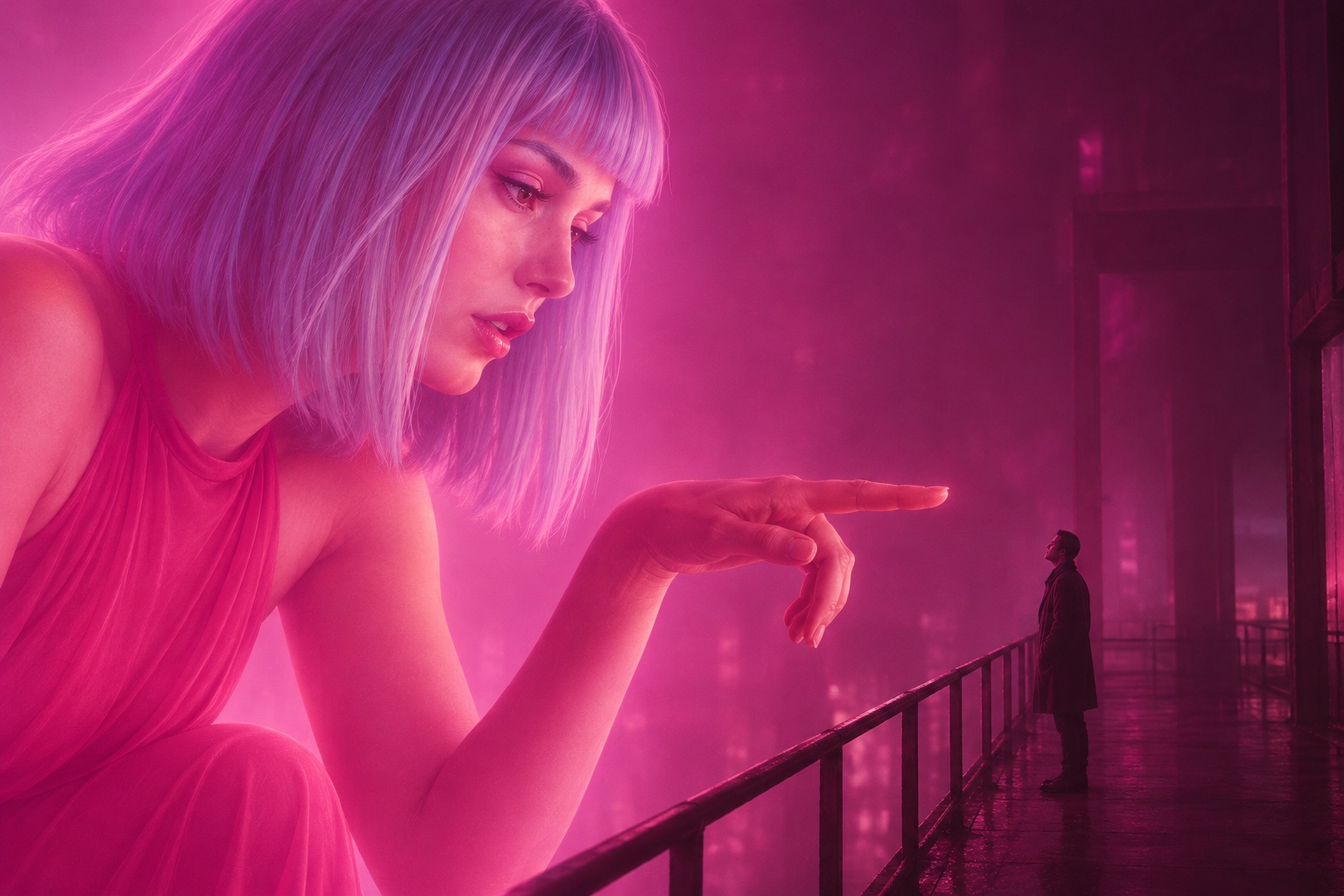
Two portraits, one 12-second neon hologram video: you on the walkway, them as a giant hologram. $5, no subscription.
Create a video
12s · 1,250 platform credits
My videos
No videos yet.
Two portraits, one 12-second neon hologram video: you on the walkway, them as a giant hologram. $5, no subscription.
12s · 1,250 platform credits
No videos yet.
Two photos in, one scene out
No editing and no prompt to write: the scene, the light and the camera are already set, so all you bring is two faces.
One person per photo, with the face, hairstyle and clothing clearly visible. JPG, PNG or WebP, up to 10 MB each. Skip sunglasses, heavy beauty filters and tiny avatars.
The first portrait stays human-sized on the walkway and looks up. The second becomes the giant hologram that leans down to meet their eyes. Tap Swap roles to reverse them.
Sign in with FloatPass and pay $5 for the video; it is ready in a few minutes. Check both faces and the eye line, then download the 12-second MP4 from My creations.
Your portraits stay on this page for 30 minutes while you sign in or check out, and they are uploaded only after you sign in.
Twelve seconds, three shots
The scene is written once and stays the same for every video. Only the two people change, so you choose the faces and the camera does the rest.
Made for two people
Each one starts with two solo portraits and costs $5. Tap the button under a use to go back up to the studio.
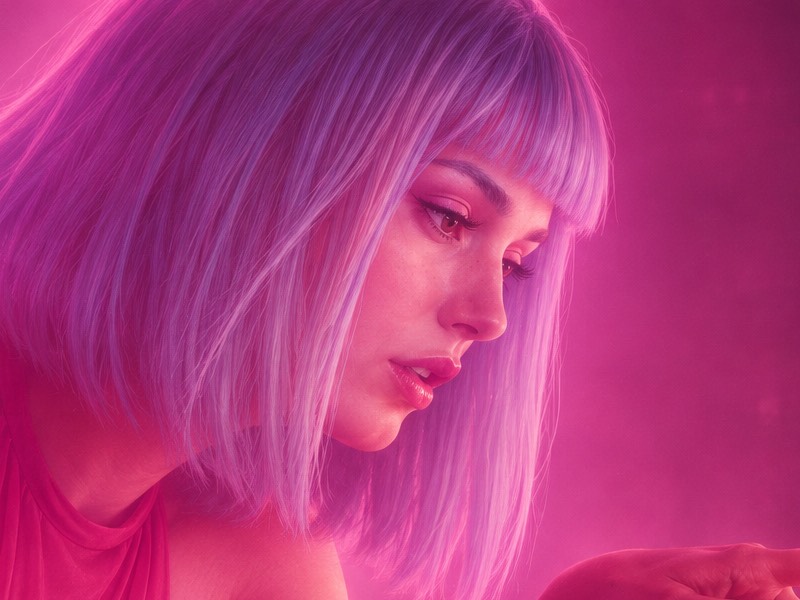
Cast your partner as the giant hologram and yourself on the walkway, then send the 12-second clip on an anniversary, after a long week apart, or for no reason at all.
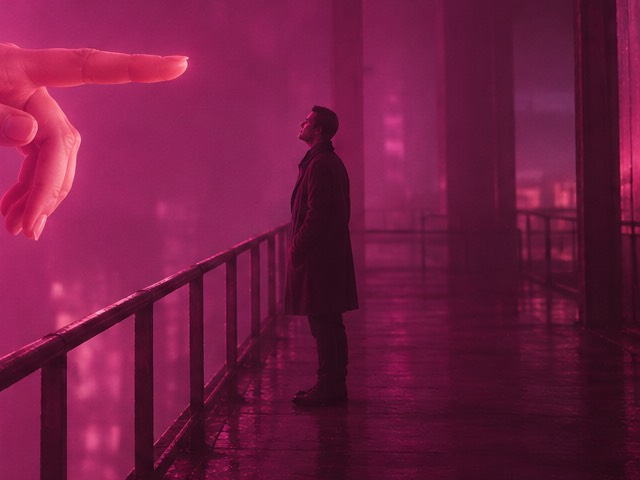
Make the meme with your own faces instead of the film's: the friend who looks lonely stays on the walkway, and you are the hologram who can fix that.
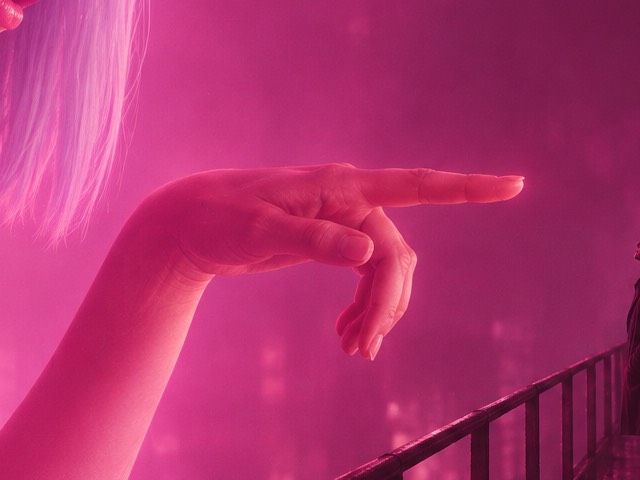
Put the friend in another city into the sky above you, larger than the buildings and leaning down toward you. One solo portrait of each of you is all it takes.
Swap the roles and upload your own portrait as the hologram. Your friend stays on the walkway, looking up at you.
Before you compare
Before you upload
Short answers about price, photos, timing and privacy. The photo guide goes deeper into choosing the two portraits and checking the result.
Read the photo guideNo. Each video costs $5, paid once for 1,250 platform credits; there is no free trial and no subscription. You can upload photos and arrange the roles before you pay, and credit validity follows FloatPass terms.
A few minutes after you press the button. You can leave the page: the finished video is saved in My creations, where you can play and download it.
Two separate solo portraits with a clear face, hairstyle and visible clothing, in JPG, PNG or WebP up to 10 MB each. Avoid sunglasses, heavy obstruction, tiny avatars and strong beauty filters.
No. The scene has exactly two people, and each role needs its own portrait. Crop a group photo into two solo portraits first.
Not yet. This scene is designed for two people; animal movement and anatomy need a separately tested template.
No. It is an original scene in the style of the trend, without movie clips, film audio, music, text or logos. AI can still make identity or motion errors, so check your result before you share it.
A 12-second landscape MP4 in 16:9, cut into three shots, ready to download and post.
Yes, for 30 minutes. The page keeps both portraits in your browser while you sign in or pay, and uploads them only after you sign in.
Yes. Tap Swap roles before you generate. The first portrait is always the person on the walkway and the second is the hologram, so their order decides the roles.
If a generation fails on our side, its 1,250 platform credits return to your balance automatically. If a finished video is clearly broken, write to contact@youlooklonely.com and we will look at it.
Only you, unless you share it. Videos are listed in your own My creations and the site has no public gallery of uploads. Files sit at unlisted links, so anyone you send a link to can open that file.
Yes. Pressing the button confirms that you have the right to use both photos and that the people shown have agreed. Use portraits of yourself, or of people who said yes.
Email us at contact@youlooklonely.com.
Keep reading
Two more pages for the same scene, each with the studio on it, and a guide to choosing the portraits before you spend $5.
AI hologram makerTurn your own portrait into the giant hologram that looks down at a friend.You Look Lonely meme videoThe meme with your own two faces: the lonely one and the hologram who fixes it.You Look Lonely, I Can Fix That: the photo guideWhich portraits to choose, how the three shots unfold and what to check in the result.Your next scene
Start with two portraits and choose who plays each role: the one on the walkway and the one in the sky. $5 per video, no subscription.