AI Hologram Maker
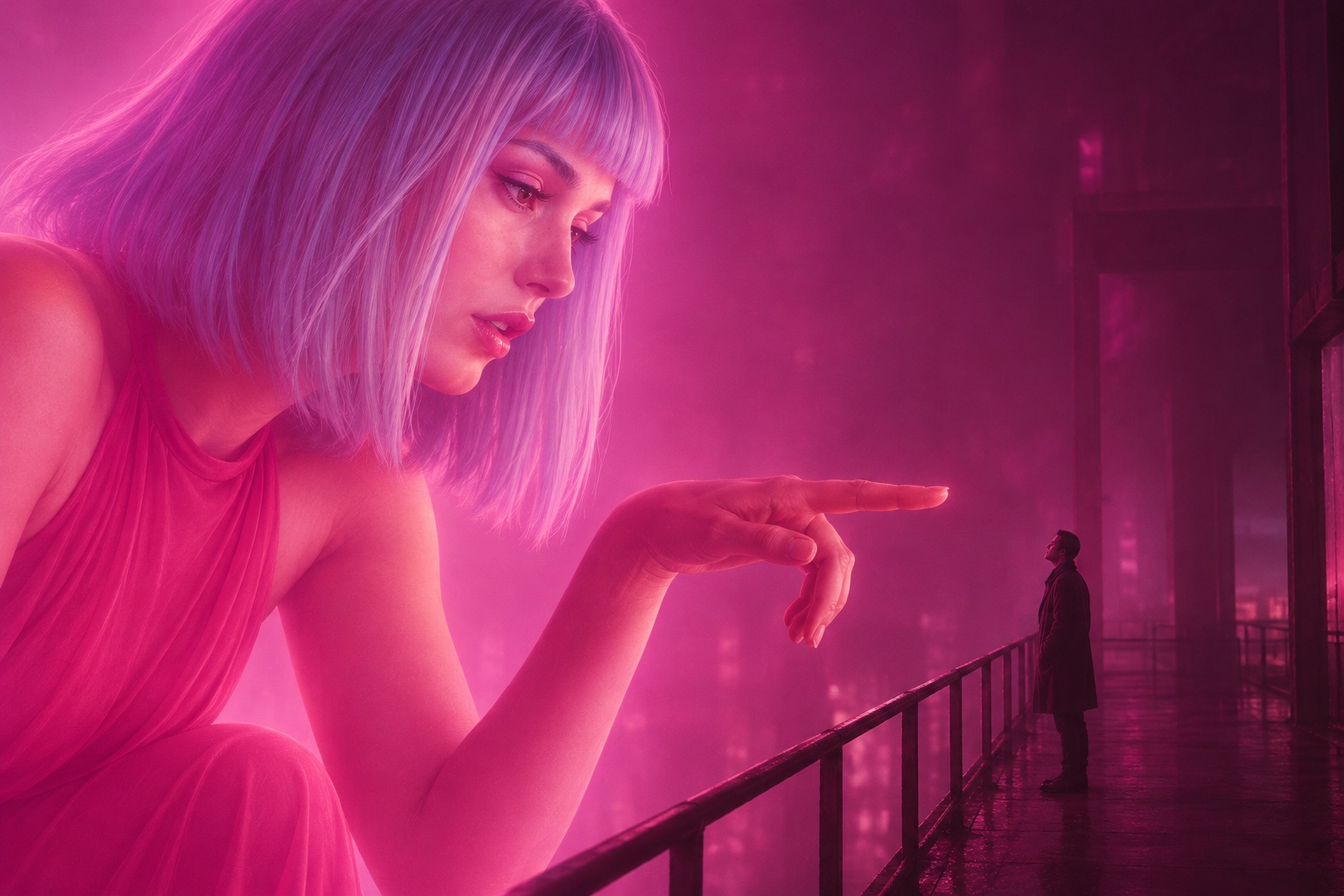
Upload your portrait and a friend's: one of you becomes a giant hologram in pink light, the other looks up from the walkway.
Create a video
12s · 1,250 platform credits
My videos
No videos yet.
Upload your portrait and a friend's: one of you becomes a giant hologram in pink light, the other looks up from the walkway.
12s · 1,250 platform credits
No videos yet.
From a portrait to the skyline
There is nothing to model, rig or light. The hologram maker takes two solo portraits and places both people in one finished scene.
Put that person's portrait in the hologram slot. A clear, well-lit face with visible hair and clothing makes the projection easiest to recognise, even at ten times life size.
The walkway slot takes a second solo portrait. This person stays human-sized and looks up at the hologram. Tap Swap roles if you change your mind.
Sign in with FloatPass and pay $5 once. A few minutes later the 12-second 16:9 MP4 is waiting in My creations, ready to download.
JPG, PNG or WebP, up to 10 MB per portrait. Both stay on this page for 30 minutes while you sign in or check out.
How big is giant
The second portrait does not become a sticker or a filter. It becomes a character that moves, looks and speaks inside a 12-second scene.
Bigger than life
Each one takes two solo portraits and $5, and each starts with the studio at the top of this page.

Upload your own portrait in the hologram slot and a friend's on the walkway, then send them the clip of you towering over the city and telling them they look lonely.
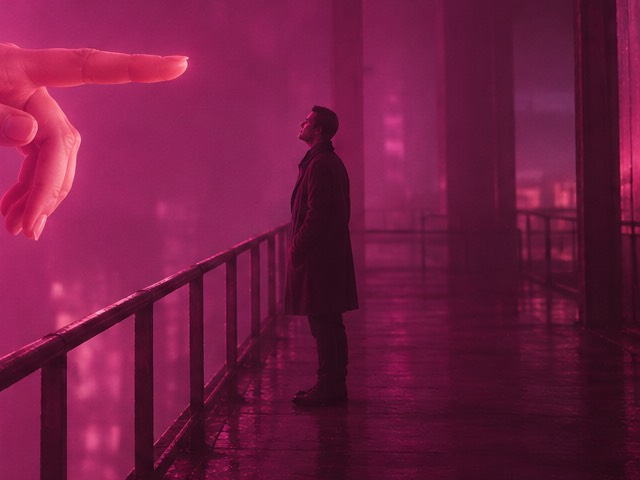
Cast your partner as the projection that leans down to you, and keep the 12-second scene for an anniversary, a birthday or a long-distance hello.
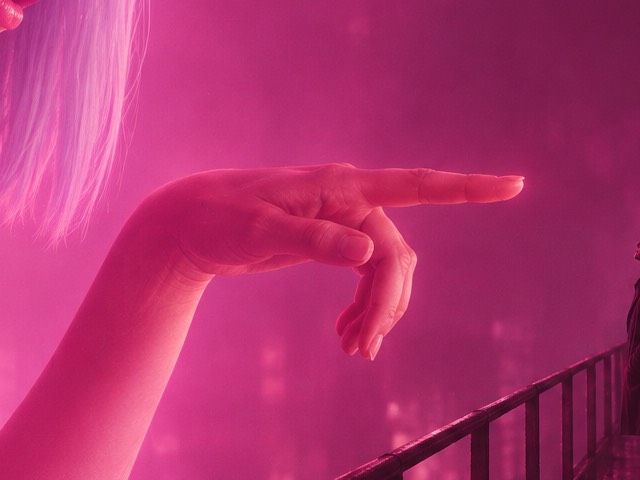
The 16:9 MP4 suits a YouTube intro, a stream break or a post on X. It has no music, so you can lay your own track under the hologram's two lines.
Put a friend on the walkway and yourself in the sky, and let the hologram deliver the meme's famous line in your face. The meme page has more ideas for this one.
Know what you get
A quick check before you pay: what this hologram maker does well, and what it does not do at all.
Before you upload
Straight answers about the price, the photos, the wait and what the hologram maker can and cannot do, before you spend $5.
Read the photo guideNo. Every video costs $5 (1,250 platform credits), paid once; there is no free tier and no subscription. Uploading the two portraits and arranging the roles costs nothing until you press the button.
A few minutes per video. The result is saved in My creations, so you can close the page and come back for it.
A solo portrait with a clear face and visible hair and clothing, in JPG, PNG or WebP up to 10 MB. Sunglasses, heavy filters and tiny avatars make the hologram harder to recognise.
It follows them. The portrait guides the hologram's face, hair and clothing, so what you wear in the photo is what the hologram wears, bathed in the scene's pink light.
No. The scene always has two people: the hologram and the person on the walkway who looks up at it. Each needs a solo portrait, and you can use your own photo in either role.
Not with this scene. It is designed and tested for two people; animal movement and anatomy need a separately tested template.
No. It is a hologram look inside a regular 12-second 16:9 MP4, not a 3D model and not a file for a hologram fan, pyramid or projector.
If a generation fails on our side, its credits return to your balance automatically. If a finished video is clearly broken, write to contact@youlooklonely.com and we will look at it.
Yes. Each video costs another $5 (1,250 platform credits). Buy the credits again from the pricing section, swap in new portraits, and every finished video stays listed in My creations.
Yes. Both portraits stay on this page for 30 minutes while you sign in or check out, and they are uploaded only after you sign in.
Only you, unless you share it. Videos are listed in your own My creations, the site has no public gallery, and files sit at unlisted links that open for anyone you send them to.
Yes. Pressing the button confirms that you have the right to use both portraits and that the people shown have agreed. The simplest choice is your own face in the hologram slot.
Keep reading
The same studio sits on each of these pages. The photo guide explains how to pick the two portraits before you spend $5.
Ten times larger
Upload two portraits and choose who becomes the hologram and who looks up at it. $5 per video, no subscription, Credit validity follows FloatPass terms.